
RV Entertainment and Wi-Fi Setup · Cedar City, Utah
RV Entertainment and Wi-Fi Setup in Cedar City, Utah: Know If It's a Quick Fix or an Electrical Issue
Diagnosing an Entertainment or Wi-Fi Problem Starts With the Power System
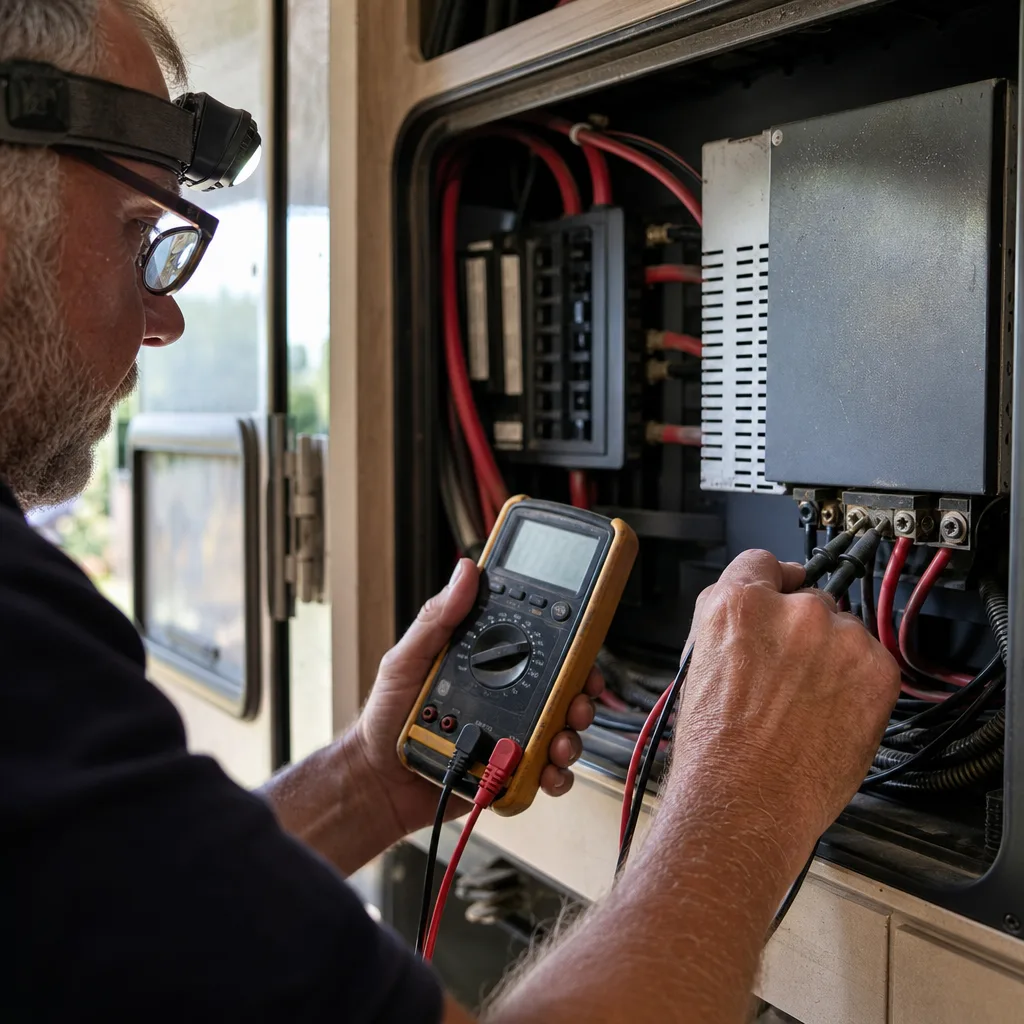
Here's the thing about RV entertainment and Wi-Fi setup gear. In a house, your TV plugs into the wall and the wall just works. In an RV, that same TV might run off shore power, an inverter, or a generator, depending on where you're parked and which switch you flipped last. Your router, cell booster, and antenna amp may run on 12-volt battery power instead. So when something goes dark, it's usually a power question long before it's a TV question.
Picture this. You pull into a site, set up camp, and the TV says "no signal." You rescan channels three times, call the TV a few names, and start shopping for a new one on your phone. Then somebody notices the little light on the antenna booster wall plate is off. One button press and you've got channels. We'd rather you find that one yourself than pay anybody to push it.
Before you call anyone, run through these:
- Antenna booster switch: most RV antennas have a powered amplifier with a button and a small light on the wall plate. If the light's off, so is your signal.
- GFCI outlets: one tripped GFCI in the bathroom or kitchen can kill power to outlets clear across the coach, including the one behind the TV. Find them all and press reset.
- Inverter: if the TV only works when you're plugged in, that outlet may be fed by an inverter that's switched off or shut down from low battery.
- Battery disconnect: a lot of coaches have a switch that cuts 12-volt power. If the router and lights are both dead, check it.
- 12-volt fuse panel: look for a blown fuse on the circuit that feeds your router, booster, or stereo. Use the same amp rating when you replace it.
Then there are the problems that point to something deeper. A router that reboots every time the furnace fan or water pump kicks on is telling you the battery voltage is sagging under load. A TV that flickers or shuts off on inverter power but runs fine on shore power points at the inverter or the batteries feeding it. A soundbar that hums or buzzes can mean a grounding issue. None of those get better with a new remote.
Cold Cedar City nights make weak batteries show their age fast. A battery that limps along in summer can drop low enough overnight to knock out a router or booster by morning. If your Wi-Fi "randomly" quits on chilly mornings, that's not random.
This is why setting up entertainment and Wi-Fi the right way means looking at the whole electrical picture, not just mounting a screen and plugging it in. If the checks above don't fix it, the problem may need RV Electrical Troubleshooting, RV Battery Replacement and Testing, RV Converter and Inverter Repair, or Shore Power and 30/50 Amp Repair. Each of those has its own page. As an RVTI Certified Technician with 15+ years in the RV industry, I'd much rather fix the cause once than swap out three devices that were never broken.
What's Included in an Entertainment and Wi-Fi Setup
A real setup is more than hanging a TV and handing you a Wi-Fi password. It's the screens, the signal, and the power to run them, all working together. That should hold true whether you're on a full-hookup site or dry camping off your batteries. Here's what a complete job should cover.
- TV mounting that survives the road. A house mount isn't built for washboard roads. An RV mount locks in place for travel and fastens into solid backing, not just thin wall paneling.
- Antenna and booster. The over-the-air antenna gets checked, the booster gets wired right, and the channels get scanned so you know what you'll pick up.
- An internet source that fits how you camp. That could be a cellular router, a cell signal booster, a campground Wi-Fi extender, or a satellite dish. The right pick depends on where you park, not on what's newest.
- Power planning. Each device runs from the right source, either 120-volt through the inverter or 12-volt straight from the battery. It also needs to be sized so it won't drain your batteries overnight.
- Clean wiring. Cables run neatly and get secured so they don't rattle loose or rub through on the highway.
- Sound and streaming. Soundbars, streaming sticks, and the coach stereo get hooked up so they play nice together.
The internet piece is where most folks get oversold. A cell booster can turn one weak bar into usable service, but it can't make a signal out of nothing. Around Cedar City, if you park up against a hill or back in a canyon, the tower may just be out of sight. A satellite setup can earn its keep there, as long as it has a clear view of the sky and enough power to run. Campground Wi-Fi extenders help at parks with a decent network. But they're only as good as the park's connection, and you've met campground Wi-Fi.
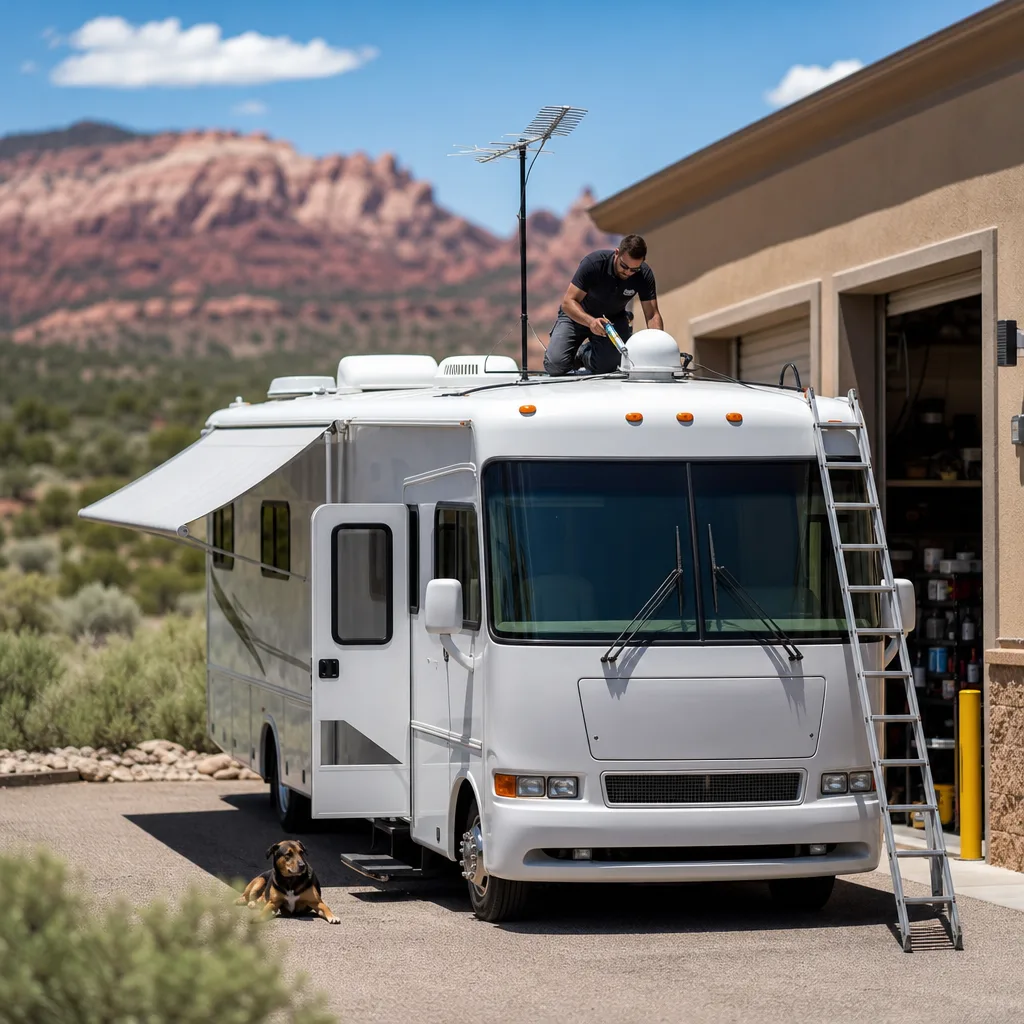
A lot of this gear lives on the roof: TV antennas, booster antennas, and satellite mounts. Every hole drilled for a cable or bracket is a spot where water wants in. Those entry points need sealant made for your roof type, and they should be checked over time. If your roof is already due, RV Roof Resealing has its own page.
The last step is the one people skip. Every device should be tested on each power source you use: shore power, generator, and inverter on battery. A TV that works when you're plugged in at home but dies on the inverter at a dry camp is only half set up. You should also walk away knowing which buttons do what, so you're not the one rescanning channels three times at your next campsite.
Cost mostly comes down to what you're adding. The big factors are how many devices you want, whether cables have to go through the roof or walls, and whether your batteries or inverter need an upgrade to keep up. Before you hire anyone, us included, ask these questions:
- Will everything be tested on battery and inverter power, not just shore power?
- How will the roof entry points be sealed?
- How much power will this draw, and can my batteries handle it overnight?
- Will you show me how to use it before you leave?
DIY Options vs. When to Call a Technician
Plenty of this you can do yourself, and some folks don't need a setup at all. If you camp a few weekends a year at parks with hookups and your phone gets decent service, your phone's hotspot and a streaming stick may be all the entertainment system you'll ever need. That's a fine answer. Don't let anybody talk you into a roof full of antennas for two trips a summer.
Here's what most handy owners can tackle without a technician:
- Plugging in a streaming stick or a small soundbar on a TV that already works.
- Rescanning channels each time you move to a new spot. Channels change from town to town, so this is just part of camping.
- Using a portable hotspot or a plug-in travel router that runs from an outlet you already have.
- Swapping a TV onto an existing RV mount, as long as the new TV is about the same size and weight as the old one.
- Running the power checks from the first section before you assume anything is broken.
There's also a case for waiting. If you're not sure how you'll camp yet, give it a season. Notice where your signal drops, whether you dry camp or stay plugged in, and how often you want to stream. You'll buy the right gear once instead of the wrong gear twice. Your wallet will thank you, and so will the junk drawer.
The line moves once a job starts cutting into your coach or changing your electrical system. That's where a small mistake turns into a big repair. Call a technician when the job involves any of these:
- Drilling into the roof. A roof antenna, booster antenna, or satellite mount means new holes, and a badly sealed hole can leak for months before you see a stain on the ceiling.
- Mounting a TV where there's no solid backing. RV walls are thin. A screen that holds fine in the driveway can work loose a few hundred miles later.
- Running cable through walls or cabinets, where you can't see what's behind the panel. Water lines and wiring live in there too.
- Wiring gear straight into the 12-volt fuse panel or adding a new circuit.
- Adding an inverter or more battery capacity to run your gear when you're off the grid.
- Any of the deeper warning signs covered earlier, like a router that reboots when the furnace fan kicks on or a TV that quits on inverter power.
A good rule: if the job is all plugging in and pressing buttons, give it a shot. If it needs a drill, a wire stripper, or a ladder onto the roof, that's where we come in. We're not saying you can't learn it. But a roof leak or a melted wire costs a lot more than doing it right the first time.
One more honest note. If your RV is still under a manufacturer warranty and the factory-installed TV or antenna has failed, take it to a dealer that handles that warranty. We don't currently offer manufacturer warranty work, and you shouldn't pay for a fix the factory owes you.
Choosing Equipment That Matches Your RV's Electrical Capacity
Pick your gear based on what your batteries and inverter can feed through the night, not on what looks best on the store shelf. A great router that kills your batteries by 3 a.m. isn't a great router for your RV. Here's how we size it up.
Start with the label. Every device lists its draw in watts or amps. For 12-volt gear, multiply the amps by the hours it runs and you get amp-hours, which is how batteries keep score. Say a router pulls about 1 amp and stays on all day and night. That's around 24 amp-hours. Add a cell booster that runs just as long, plus the antenna amp and some lights, and the total climbs faster than most folks expect. Now compare that to your battery bank. A standard lead-acid battery doesn't like being drained much past half, so only about half of its rated amp-hours is really yours to use. Lithium batteries give you more of what's on the label, which is a big reason people who stream a lot while dry camping end up switching.
Anything plugged into a regular outlet while you're off shore power goes through the inverter, and that has a few catches:
- The inverter has to be big enough for everything on it at once. A small one might run the TV fine and then shut down the second someone adds a game console.
- Some inverters only feed certain outlets. If the outlet behind your new TV isn't one of them, the TV won't work on battery, no matter how big the inverter is.
- An inverter uses power just by being on, even when nothing's plugged in. Leave it on all night with nothing running and you're paying for nothing.
- Turning 12-volt battery power into 120-volt house power wastes some energy. A TV built to run on 12 volts skips that step, which is why RV-specific TVs are worth a look for dry campers.
Shore power has limits too. On a 30-amp site, your air conditioner, microwave, and water heater all share the same supply. Entertainment gear doesn't pull much by itself, but stack it on top of the A/C and a microwave burrito and you can trip the pedestal breaker. On a 50-amp rig you've got more room. Either way, know which big loads you can't run at the same time.
Satellite systems deserve their own warning. The dish, the receiver, and the TV together can draw a lot more than a simple antenna setup, and an auto-aiming dish pulls extra power while it searches. If you camp off-grid and want satellite, plan the battery and inverter side first. Otherwise you'll have a nice dish on the roof and a dead coach by breakfast.
Here's the short version. Add up what you want to run, figure out how long it'll run when you're not plugged in, and see if your system can cover it with room to spare. If it can't, you've got two honest choices: pick lower-draw gear, or upgrade the power side before adding anything else. That's the difference between a setup that just works and one that works only in the driveway.
Call nowRoof-Mounted Antennas and Satellite Domes Need Proper Resealing
Putting an antenna, booster antenna, or satellite dome on your roof is the easy part. The job isn't done until every hole is sealed with products made for your roof material. Mounting gear is a one-day job. Keeping water out is something you watch for as long as you own the rig.
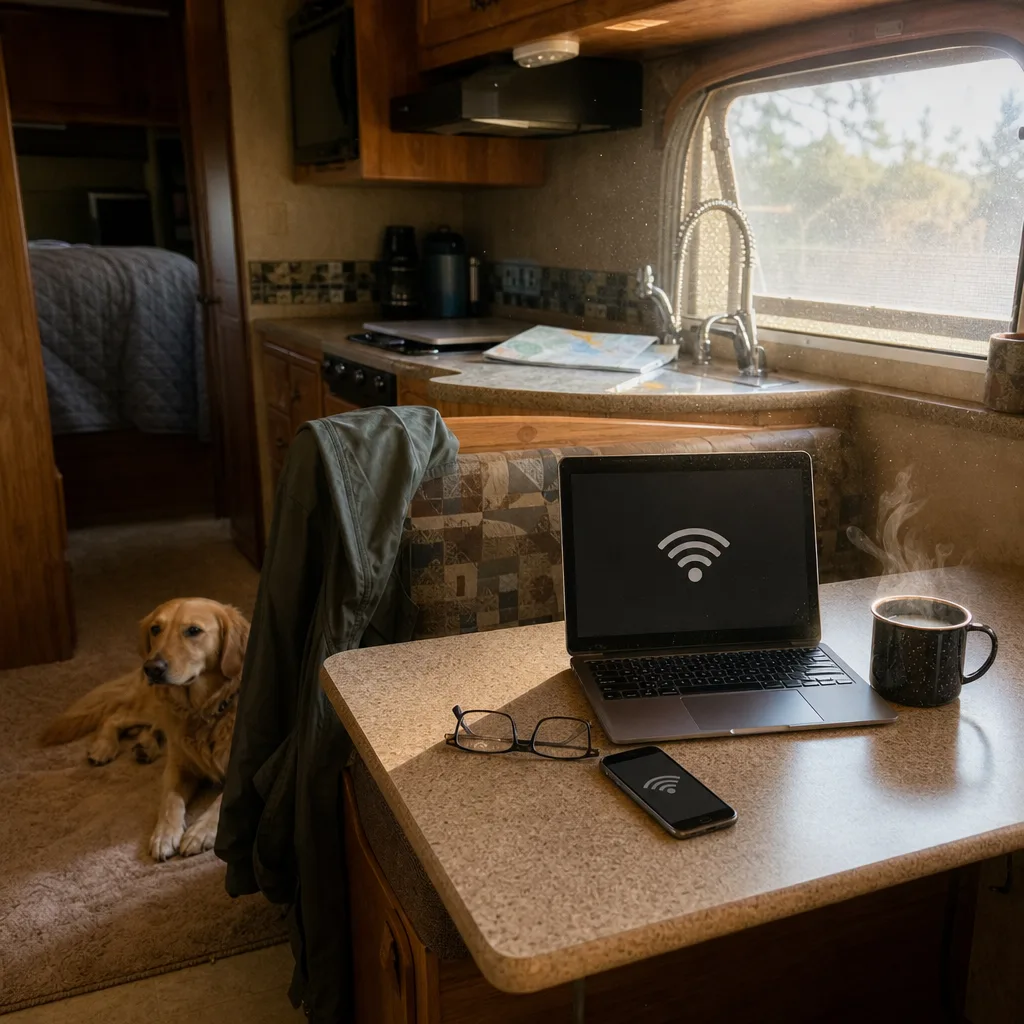
Here's a common story. Someone pulls the old crank-up antenna to make room for a new dome. They mount the dome, then cover the old screw holes with a dab of whatever caulk was in the garage. It looks fine. A year later there's a soft spot in the ceiling near the cabinet, and nobody connects it to the antenna swap. Water is patient. It will follow a screw or a cable a long way before it shows up anywhere you can see.
The sealant has to match the roof. Rubber roofs, fiberglass roofs, and aluminum roofs each need their own product. The classic mistake is silicone on a rubber roof. Silicone doesn't bond well to rubber, and once it's on there, almost nothing else will stick to that spot. You've basically turned a five-minute fix into a scraping project.
A solid roof install usually comes down to a few layers working together:
- The base of the antenna or dome sits on a sealing tape, so there's a gasket under the mount and not just caulk on top.
- Screws go into solid roof framing, not just the thin roof skin.
- Self-leveling sealant covers the screw heads and the edges of the base on flat roof surfaces.
- Cables come in through a proper cover plate, with a little loop in the cable so water drips off before it reaches the hole.
- Old holes from removed gear get patched and sealed, not just covered up.
Cedar City is tough on roof sealant. At close to 6,000 feet, the sun is strong, and summer UV dries sealant out faster than it would at lower elevations. Then winter brings freezing nights, and snow sitting on the roof melts in the afternoon and refreezes after dark. That cycle works on every crack around an antenna base. A seal that looked perfect in June can open up by March.
Satellite domes add one more thing to think about: wind. A dome is a big shape, and at highway speed on I-15 it catches a lot of air. If the mount flexes even a little, it can pull at the sealant around the screws over time. A tight mount into solid framing protects the seal as much as the sealant does.
If you already have gear on your roof, here's what to look for each spring and fall:
- Cracks, gaps, or peeling sealant around the antenna base, dome, or cable plate.
- Screws that have backed out or rust stains near the mount.
- A mount that moves when you push on it gently.
- Stains, soft spots, or a musty smell inside, near where the cables come down.
If you find more than a spot or two, it may be time to look at the whole roof, which is what RV Roof Resealing covers.
Call Benny's RVFrequently Asked Questions
What's the best way to get Wi-Fi in my RV?
There's no single answer because it depends on where you camp. If you stay at parks with hookups, a cellular router or a plug-in travel router often does the job. If you dry camp or park in spots with weak signal, a cell booster or satellite setup may work better. The right choice comes down to matching the gear to how you travel, not picking whatever is newest.
Which internet setup works best for streaming in an RV?
A cellular router paired with a signal booster usually gives the most reliable streaming, as long as you have decent cell coverage where you park. Campground Wi-Fi extenders only help if the park's own network is strong enough to extend. If you often park where towers are blocked by hills or canyon walls, a satellite setup with a clear sky view can fill that gap, but it draws more power than a basic router setup.
What's the best way to watch TV in my RV?
The best setup pairs a properly mounted TV with an antenna and booster that get checked and tested on every power source you use. A lot of TV problems people blame on the television are really power or signal issues, like a booster switch left off or a weak battery. Testing on shore power, generator, and inverter power before you leave the driveway is what keeps the system working at your next campsite, not just at home.